















Call Management Suite

Increase Agent Productivity With
An Auto Dialer

Choose MyOperator’s automated outbound dialing solution to eliminate manual effort and connect sales agents directly to live calls.

15 Years of Trust. 12,000+ Brands Strong.

Why Use MyOperator Auto Dialer

How MyOperator’s Auto Dialer Works

01
Step 1: Upload or Sync Leads
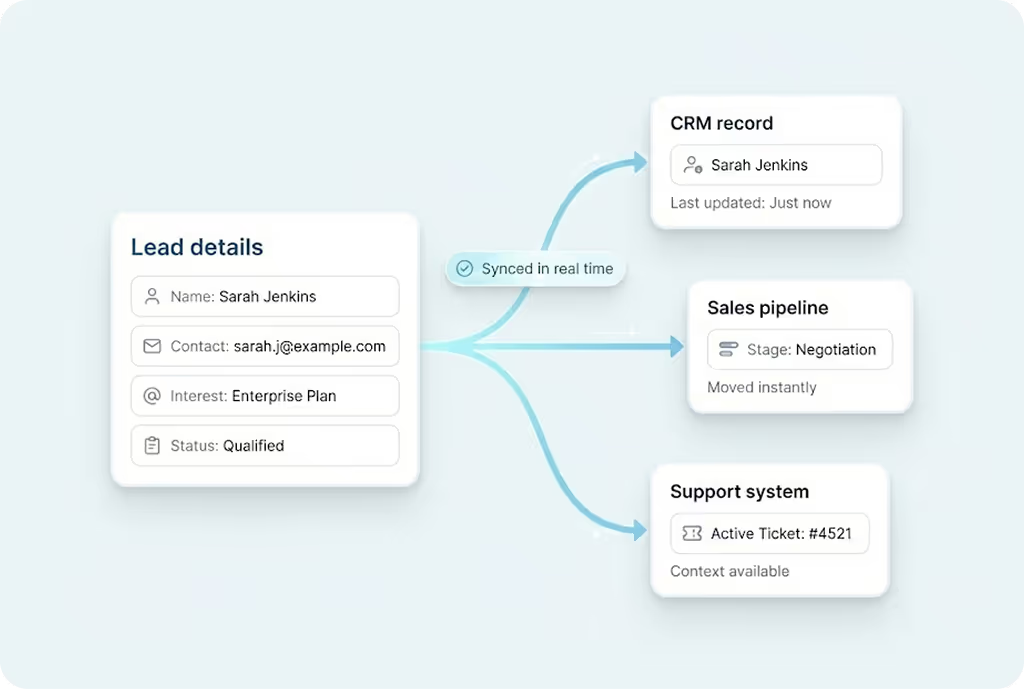
Add call list manually or sync from CRMs like Zoho, Salesforce, Leadsquared, or Freshworks.
02
Step 2: Start Progressive Dialing
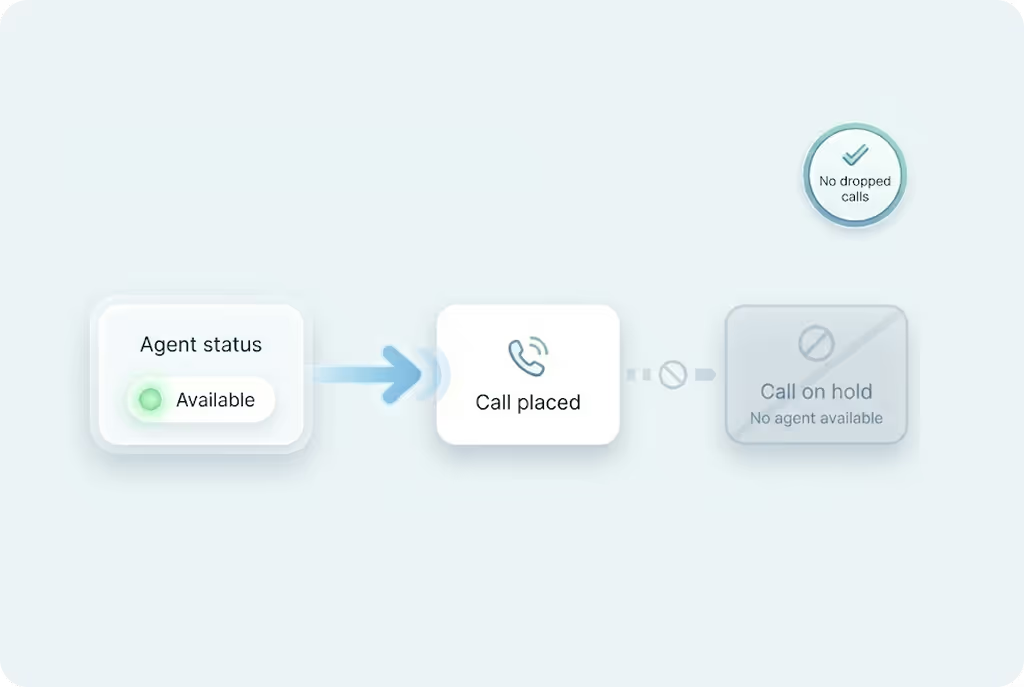
Agents are connected only when a customer picks up. Zero idle time, zero manual effort.
03
Step 3: Track, Analyze & Optimize
Monitor success rates, call quality, agent talk-time, and campaign effectiveness in real time.

What Businesses Say
About MyOperator

Find The Perfect Ride
For Your Business Needs

Compact

₹2,500/month

For small teams that need WhatsApp Business API & missed calls.

Sedan

₹5,000/month

For growing businesses that need more users & unlimited IVR + WhatsApp.

SUV

MOST POPULAR

₹15,000/month

For teams that also need performance analytics and integrations.

Enterprise

₹2,00,000/month

Starts at

For large organizations that need customization and dedicated support.

What Is MyOperator

MyOperator is a Business AI Operator that brings together AI agents and human experts for unified communication on WhatsApp and Calls.

The Channels

WhatsApp Suite

Official WhatsApp Business API with automation, campaigns, and shared inboxes.

  • Broadcasts, CTWA, and AI replies
  • Multi-agent chat and handovers
  • Blue tick and verification

Call Suite

Cloud calling infrastructure built for high-volume inbound and outbound operations.

  • IVR, virtual numbers, and dialers
  • Tracking, recordings, and smart routing
  • Synced with WhatsApp & AI flows

The Workforces

AI Agents

AI voicebots and chatbots that handle first response, qualification, and routing.

  • Unified across WhatsApp + Calls
  • Self-learning from real conversation data
  • Escalation only when essential

Human Experts

Sales and support teams step in with complete conversation context.

  • Full view of past chats and calls
  • Faster resolution and follow-ups
  • Better outcomes across the funnel

Auto Dialer FAQs

What is an auto dialer and how does it work?
An auto dialer automatically dials numbers from a contact list and connects answered calls to available agents. This removes the need for manual dialing and reduces the wasted time between calls. MyOperator’s auto dialer ensures agents only receive live, answered calls improving efficiency, outreach speed, and customer engagement.
How does an auto dialer improve sales productivity?
Sales agents typically spend a significant portion of their time dialing numbers or waiting for calls to connect. An auto dialer removes these gaps by automating dialing and instantly routing connected calls. This increases talk time, accelerates follow-ups, and helps sales teams reach more leads in less time, translating into higher conversions.
What types of auto dialers does MyOperator support?
MyOperator supports preview, progressive, and campaign-based smart dialing. Preview dialers give context before the call. Progressive dialers dial only when an agent is ready. Smart campaign dialers handle lead lists in bulk and optimise call flow. This ensures every business can choose the right dialing style for their team size and workflow.
How does the auto dialer integrate with CRM systems?
The auto dialer syncs directly with CRMs like Zoho, Salesforce, Leadsquared, Freshworks, and more. Call logs, recordings, outcomes, and agent notes are automatically pushed to the CRM. This helps teams track pipeline activity accurately, personalise conversations, and avoid duplicate follow-ups.
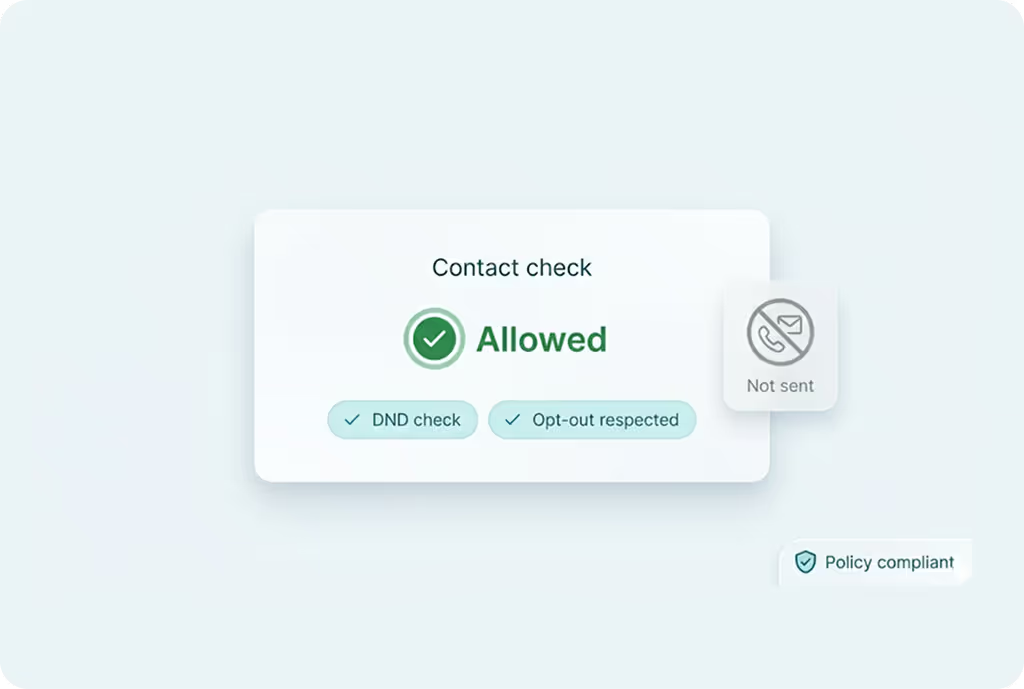
Is the auto dialer compliant with telecom and DNC regulations?
Yes. MyOperator’s auto dialer is built with compliance at the core including DND/DNC checks, opt-out handling, secure data routing, and consent-ready workflows. It ensures businesses can run high-volume outbound campaigns without risking penalties or violating guidelines.
What kind of analytics does the auto dialer provide?
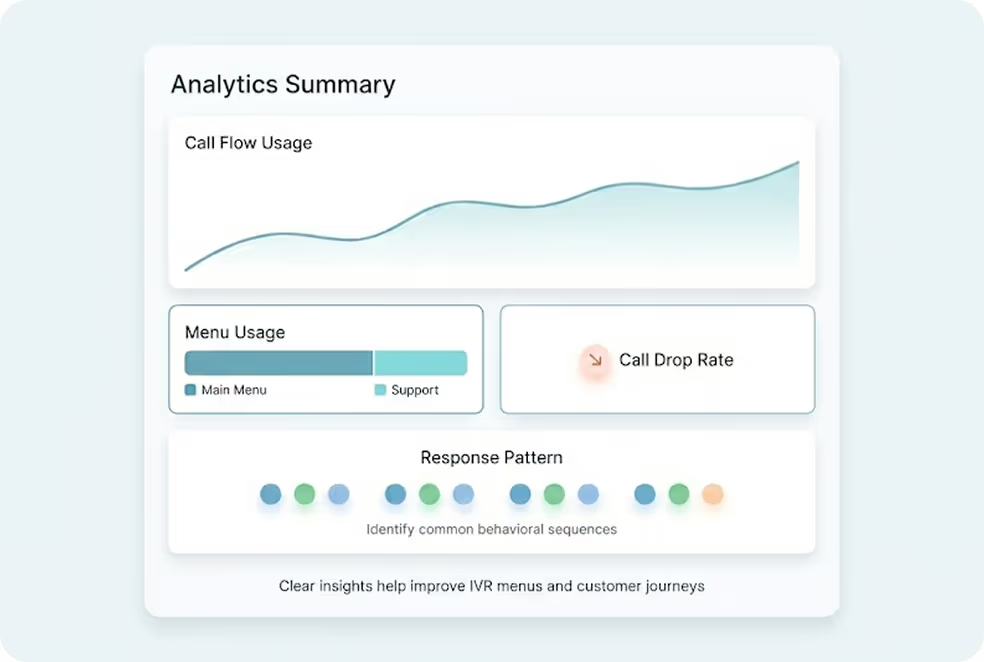
The dashboard includes detailed insights on call volume, call durations, unanswered calls, agent productivity, customer behaviour, and campaign performance. Managers can review trends, identify bottlenecks, assess call quality, and make data-driven decisions to improve conversions.
Can the auto dialer handle multiple campaigns simultaneously?
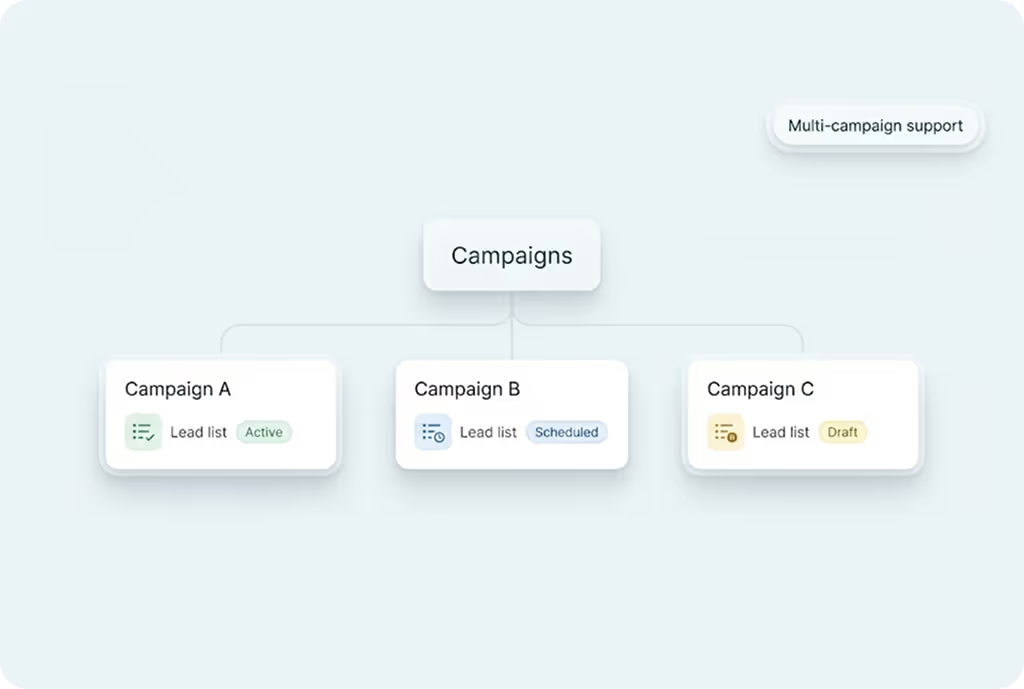
Yes. You can run different outbound campaigns for sales, marketing, reminders, renewals, or collection follow-ups, each with separate lead lists, scripts, routing rules, and analytics. This helps large teams manage multiple workflows in parallel without confusion.
Is auto dialer suitable for small teams?
Absolutely. Even a small sales team benefits from automated dialing because it saves time, reduces manual effort, and increases daily customer conversations. Businesses of all sizes from 2 agents to 200, use auto dialers to scale outreach.
Can I automate follow-ups with the auto dialer?
Yes. Missed calls, voicemail alerts, and unanswered leads can be followed up automatically using auto-callbacks or WhatsApp templates. This ensures no potential customer or opportunity slips through.
How quickly can I set up MyOperator's auto dialer?
Setup takes only a few minutes. Add agents, sync your CRM or upload your lead list, configure dialing rules, and start calling. The interface is simple, and MyOperator’s support team is available to help with onboarding and integrations.

Scale Outbound Calling With An Auto Dialer