


.avif)
















Why Use MyOperator Outbound Call Center
42%
Click-to-call and instant retries help teams reach more prospects.
55%
CRM-linked dialing reduces manual effort and response delays.
33%
Better connect rates and real-time monitoring improve deal closure.
What Is MyOperator Outbound Call Center
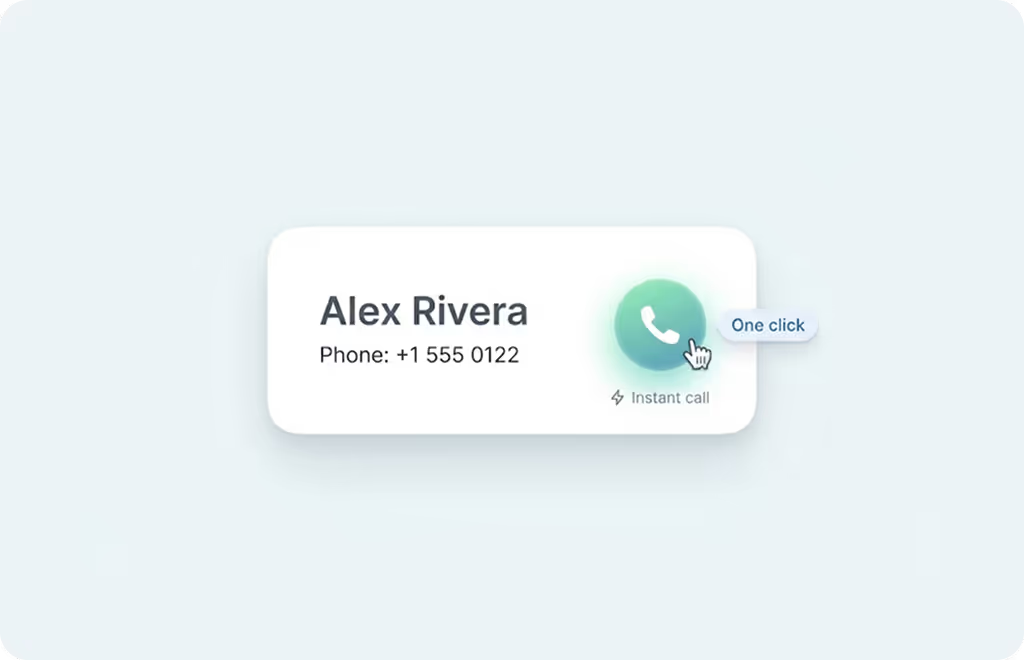
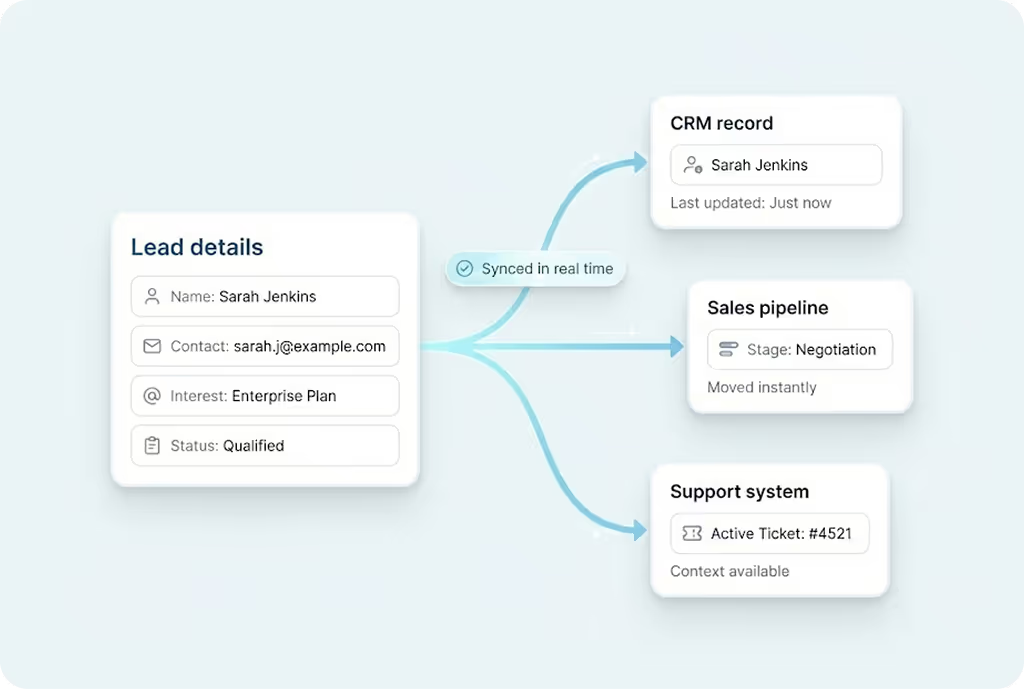
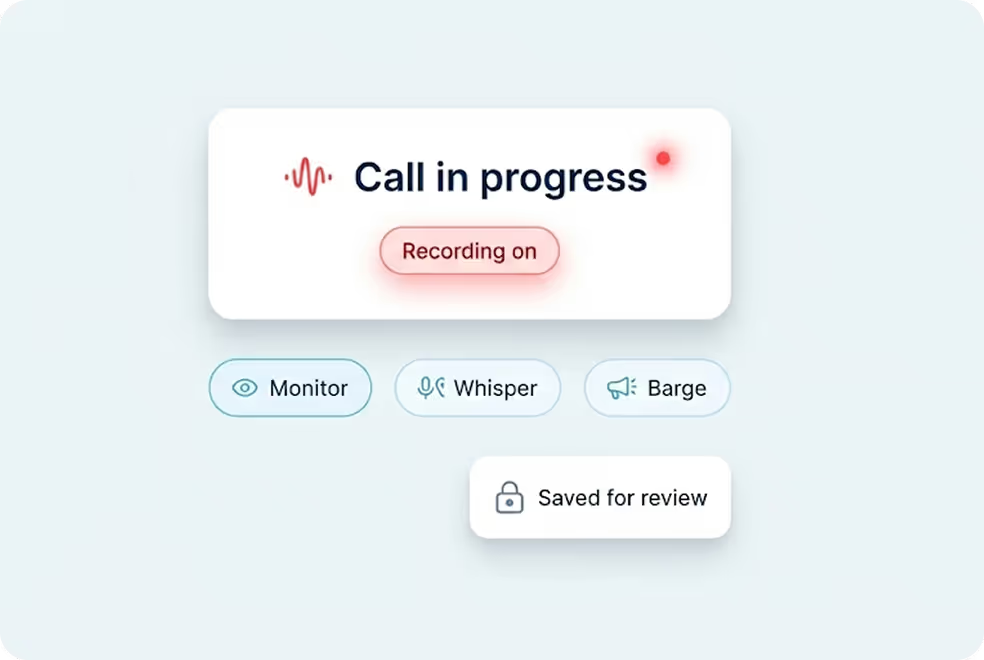
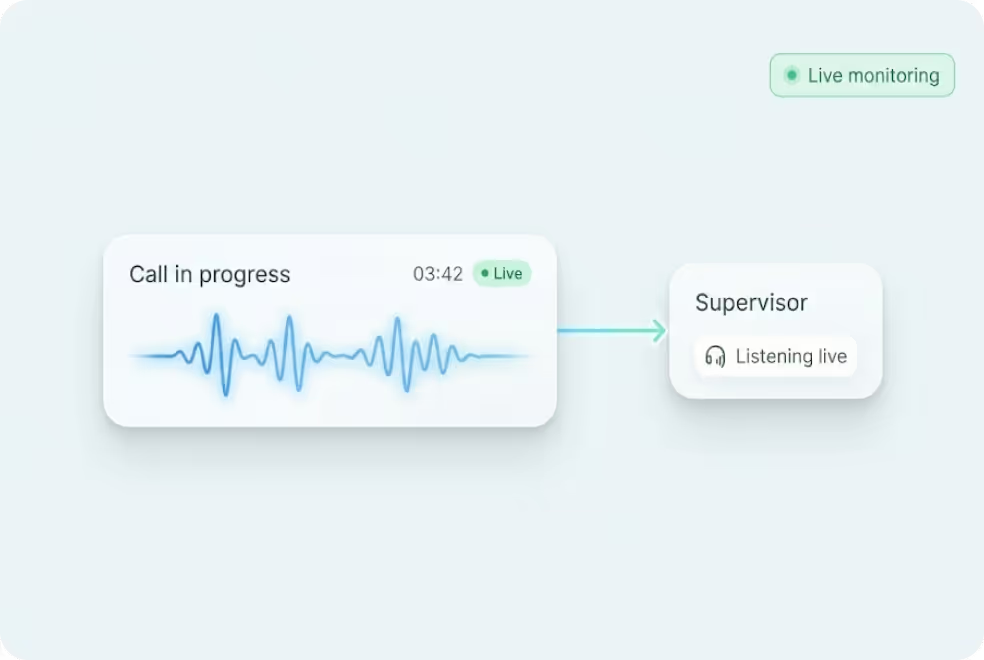
It supports click-to-call, CRM integration, call recording, live monitoring, and analytics within one platform. It is built for teams that need structured, trackable sales cold calls without hardware.
.avif)

What You Get With MyOperator Outbound Call Center
How MyOperator’s Outbound Call Center Works
What Businesses Say
About MyOperator
.webp)







12,000+ Businesses Activated, 2.5 Billion Conversations Enabled,
4.5 Google Rating

12,000+ Businesses Activated, 2.5 Billion Conversations Enabled,
4.5 Google Rating

12,000+ Businesses Activated, 2.5 Billion Conversations Enabled,
4.5 Google Rating

12,000+ Businesses Activated, 2.5 Billion Conversations Enabled,
4.5 Google Rating

12,000+ Businesses Activated, 2.5 Billion Conversations Enabled,
4.5 Google Rating

12,000+ Businesses Activated, 2.5 Billion Conversations Enabled,
4.5 Google Rating
What Is MyOperator
The Channels
.webp)
WhatsApp Suite
.webp)
Official WhatsApp Business API with automation, campaigns, and shared inboxes.
- Broadcasts, CTWA, and AI replies
- Multi-agent chat and handovers
- Blue tick and verification

Call Suite
Cloud calling infrastructure built for high-volume inbound and outbound operations.
- IVR, virtual numbers, and dialers
- Tracking, recordings, and smart routing
- Synced with WhatsApp & AI flows

The Workforces

AI Agents
AI voicebots and chatbots that handle first response, qualification, and routing.
- Unified across WhatsApp + Calls
- Self-learning from real conversation data
- Escalation only when essential

Human Experts
Sales and support teams step in with complete conversation context.
- Full view of past chats and calls
- Faster resolution and follow-ups
- Better outcomes across the funnel
Outbound Call Center FAQs
An inbound call center, on the other hand, handles incoming customer calls. People reach out to you with questions, support requests, inquiries, bookings, or complaints.
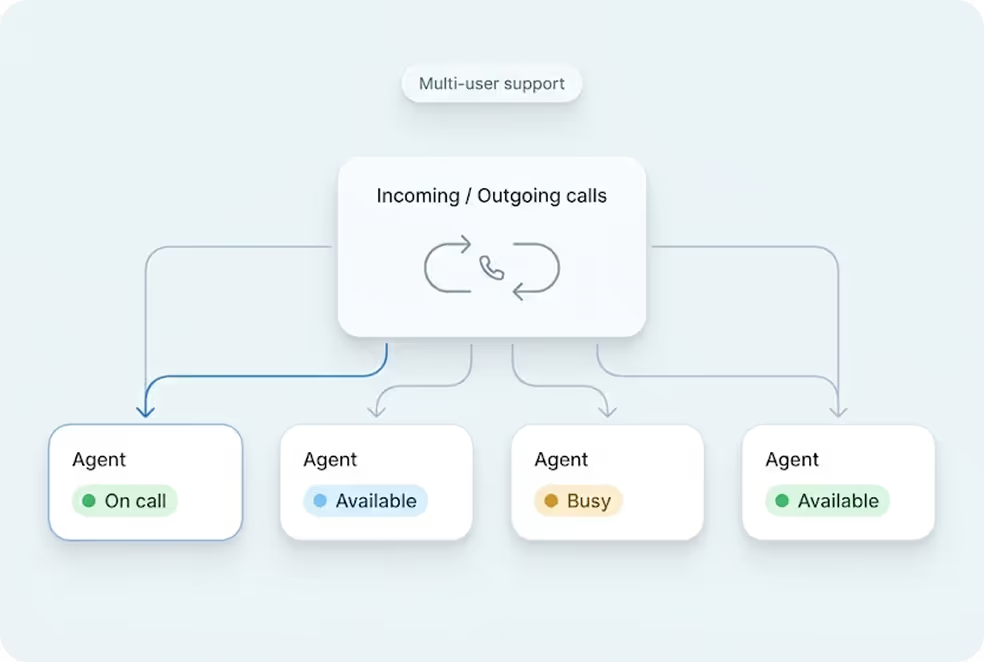
With MyOperator, both functionalities can exist on the same platform. Your team can make outbound sales calls, while also receiving inbound customer inquiries using IVR, routing, and voicemail during off-hours.
There is no hardware to install. Here’s how it works:
1. Sign up online for the outbound call center free trial.
2. Add your team members (agents, supervisors) and verify them via OTP.
3. Upload or integrate your lead list using CRM tools or spreadsheets.
4. Your agents can immediately start making calls from the web panel or mobile app.
5. Admins can monitor calls, track performance, review recordings, and manage follow-ups from a unified dashboard.
The entire setup takes only a few minutes and requires no technical expertise.
Click-to-call for instant dialing
Integrated CRM so agents see customer history instantly
Call recordings for coaching and quality control
Smart routing for distributing calls to the right agents
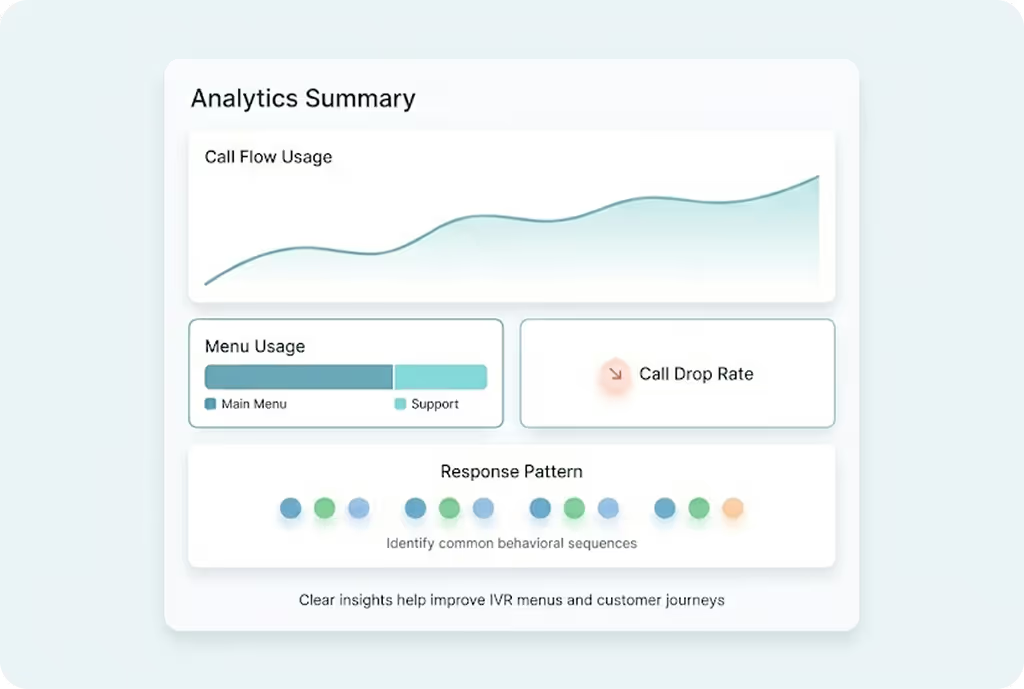
Reports & analytics to track talk time, connect rate, follow-up quality, and conversion outcomes
Mobile app for on-the-go calling to ensure zero delays
Together, these tools help your agents complete more calls, reduce idle time, and deliver better customer conversations.
It is commonly used for:
Lead generation and sales follow-ups
Customer onboarding and engagement
Promotional and telemarketing campaigns
Payment reminders and renewals
Customer feedback and survey campaigns
Appointment confirmations and callbacks
If your business needs proactive customer outreach, an outbound call center ensures structured follow-ups, faster response time, and improved conversions, all while keeping agent performance trackable.
MyOperator’s solution also supports:
Remote team management
Quality monitoring
Automated follow-ups
In-depth agent performance reporting
Unified handling of inbound + outbound calls
It replaces manual dialing and scattered tools with one streamlined, cloud-based workspace.
This allows you to:
Keep using your current number for branding
Maintain continuity with customers
Avoid changing stationery or marketing material
Your outgoing calls will continue through your familiar business identity, while the backend operations shift to a modern cloud-based system.
Because MyOperator is fully cloud-based, you do not need servers, EPABX machines, or hardware phones.
A typical setup takes:
2–5 minutes to create an account
1–2 minutes per agent to verify and activate
Less than a day for a fully functional, multi-agent outbound call center
You can start making calls the same day you sign up.
Click-to-call
Agent panel
Live dashboard
Call recording
CRM integration
Mobile app for calling
You also have the option to book a 1:1 guided demo with MyOperator experts who walk you through setup, campaign management, reporting, and best practices.
With MyOperator, you get:
Zero setup cost
No maintenance fees
No wiring or phone systems
Work-from-anywhere calling
Instant agent onboarding
Mobile app for field sales
Automatic updates and security
This makes it far more flexible, cost-effective, and scalable than traditional on-premise call centers.
24×7 customer support
Dedicated account managers for enterprise teams
Instant technical assistance on call, WhatsApp, chat, or email
Help in setup, integrations, workflow configuration, and scaling
Whether you need help adding new agents, integrating CRM, or optimizing performance, support is always available.

.avif)



.webp)


