


















Why Integrate MyOperator with Bigin CRM

What Businesses Say
About MyOperator

How to Set Up the Bigin CRM Integration

01
Connect Bigin CRM
Integrate your Bigin CRM account with MyOperator, authorize access, and link your WhatsApp Business number.
02
Automate & Route
Create workflows to send WhatsApp messages or trigger follow-up calls when leads move to specific stages.
03
Engage & Track
Monitor every call, message, and deal update through unified dashboards that combine CRM and communication insights.

Find The Perfect Ride
For Your Business Needs

Compact

₹2,500/month

For small teams that need WhatsApp Business API & missed calls.

Sedan

₹5,000/month

For growing businesses that need more users & unlimited IVR + WhatsApp.

SUV

MOST POPULAR

₹15,000/month

For teams that also need performance analytics and integrations.

Enterprise

₹2,00,000/month

Starts at

For large organizations that need customization and dedicated support.

What Is MyOperator

MyOperator is a Business AI Operator that brings together AI agents and human experts for unified communication on WhatsApp and Calls.

The Channels

WhatsApp Suite

Official WhatsApp Business API with automation, campaigns, and shared inboxes.

Call Suite

Cloud calling infrastructure built for high-volume inbound and outbound operations.

The Workforces

AI Agents

AI voicebots and chatbots that handle first response, qualification, and routing.

Human Experts

Sales and support teams step in with complete conversation context.

Bigin CRM Integration FAQs

What does the MyOperator’s Bigin CRM integration do?
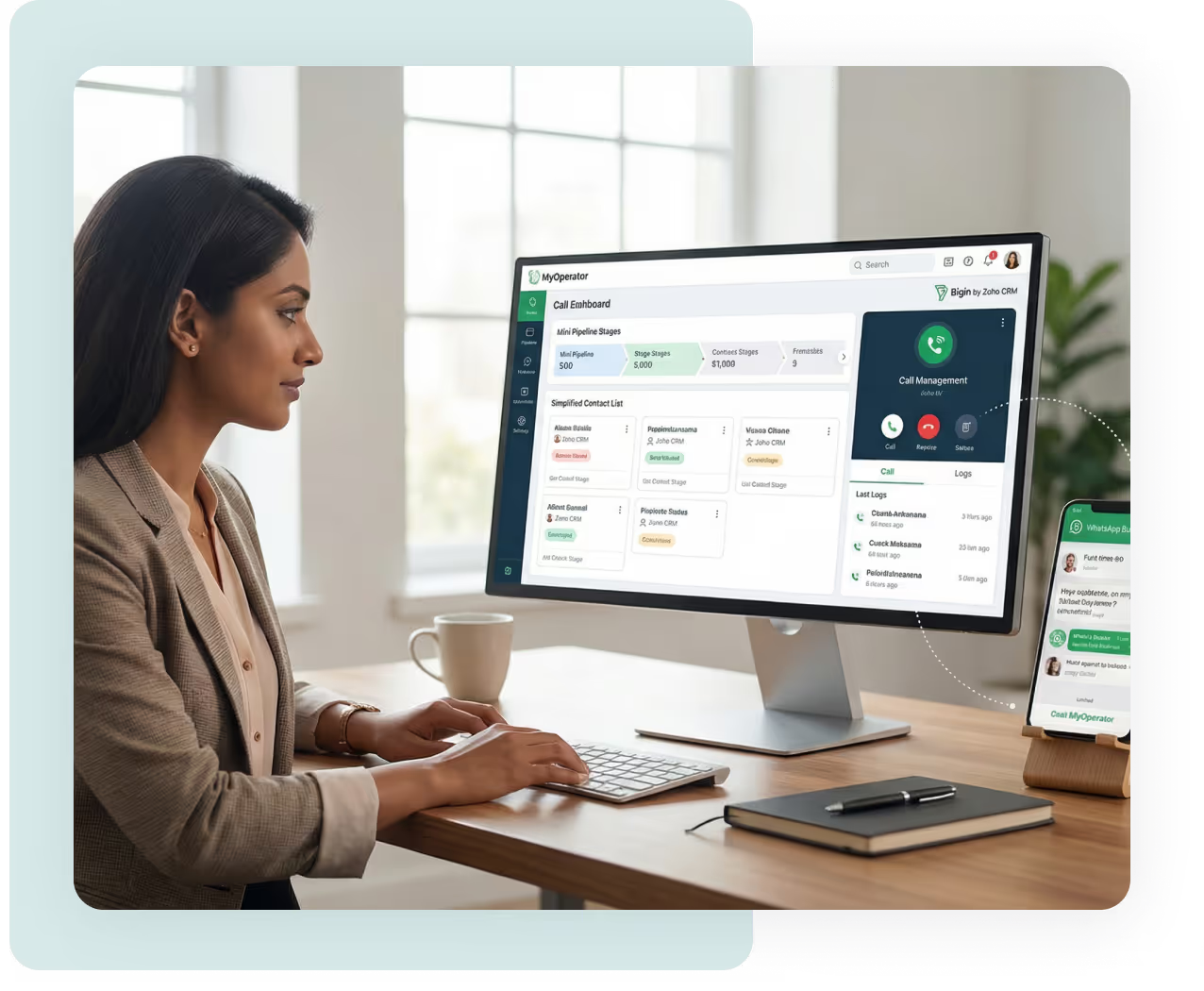
It connects MyOperator’s call automation and tracking tools directly with your Bigin CRM, making your sales communication effortless.
Every incoming and outgoing call gets automatically logged under the right lead or deal, along with duration, agent, and call recording details. You can also trigger follow-ups, assign calls to specific agents, and monitor all activities without leaving Bigin. The result: faster response, better tracking, and zero missed opportunities.
Can I make calls directly from Bigin CRM? 
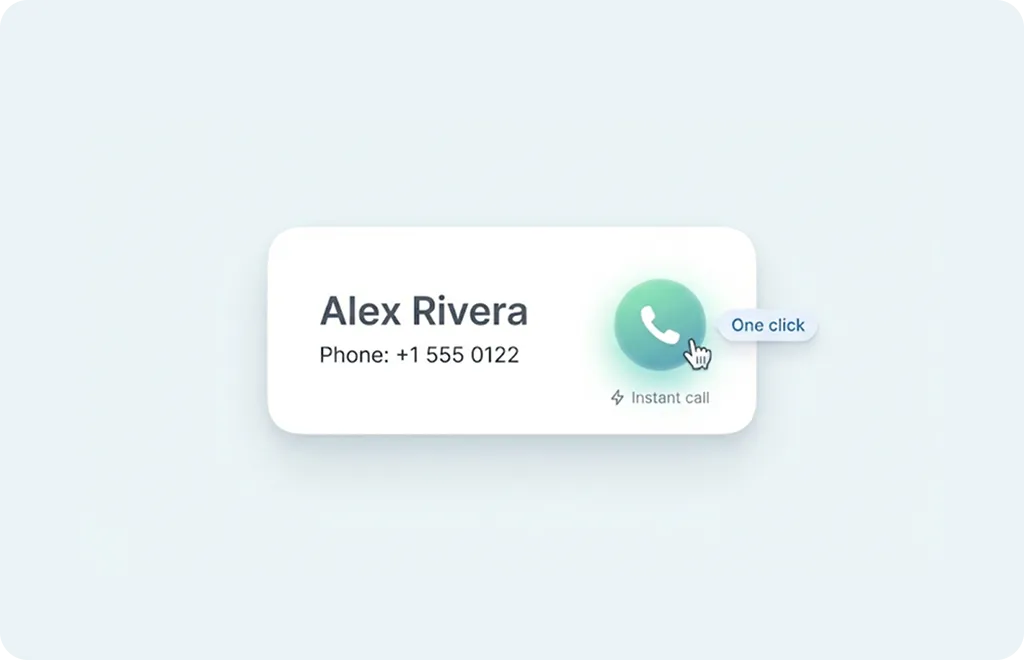
Yes. With click-to-call, your team can initiate outbound calls right from any lead, contact, or deal record. There’s no need to switch to another window or manually dial numbers, simply click the call icon inside Bigin.
Each call automatically captures details like time, duration, and recording link, helping sales managers maintain complete communication visibility.

Does the integration log both incoming and outgoing calls automatically?
Absolutely. Every call, whether received or made, is auto-recorded and synced within your Bigin CRM timeline. This eliminates manual updates or forgotten follow-ups. Agents can access previous conversations, listen to call recordings, and add quick notes after each interaction, ensuring full context for every deal.
Can I automate WhatsApp messages or reminders for my leads?
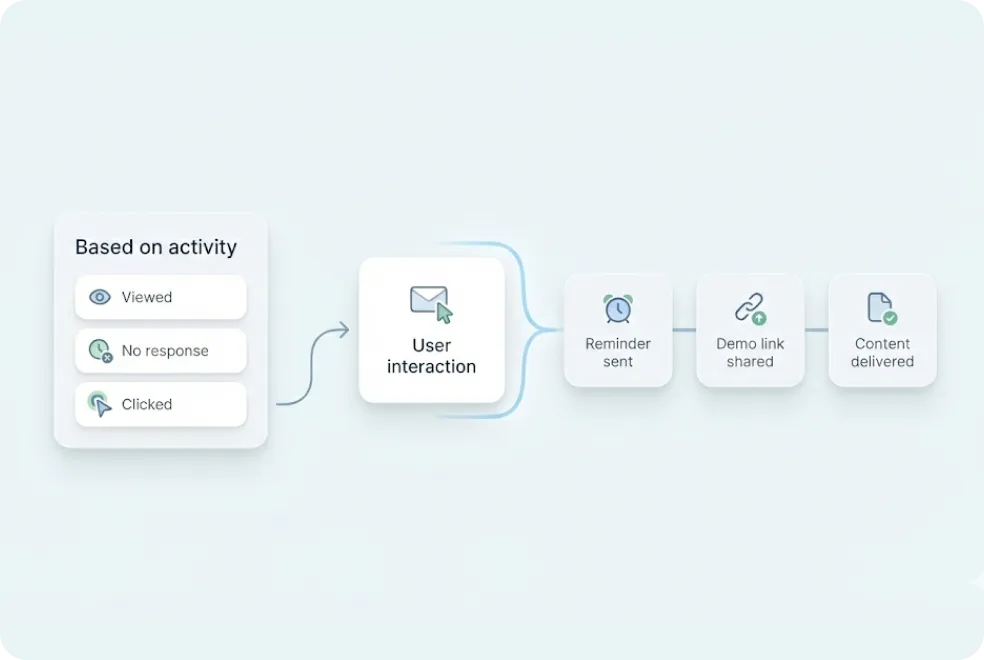
Yes. You can set up automated WhatsApp workflows that trigger based on CRM events, for example, when a new lead is added, a deal moves stages, or a follow-up date arrives. You can send templated messages like “Thanks for enquiring about our product” or “Your demo is scheduled for tomorrow.” These automations ensure that your team stays connected with prospects even during high lead volumes.
How does this integration improve lead conversion rates?
By connecting communication and CRM in real time, it eliminates lag between a lead’s inquiry and your team’s response. When a call or WhatsApp message is triggered automatically, leads are contacted instantly, often within seconds of form submission. This speed of communication increases trust, reduces lead drop-offs, and ultimately boosts closure rates across your pipeline.
Is setup code-free or does it require technical assistance?
The setup is completely code-free. Simply authorize MyOperator to connect with your Bigin CRM, choose your call and workflow triggers, and you’re good to go. Even non-technical users can configure automations and routing logic with guided steps inside MyOperator’s interface.
Can multiple sales agents use this integration simultaneously?
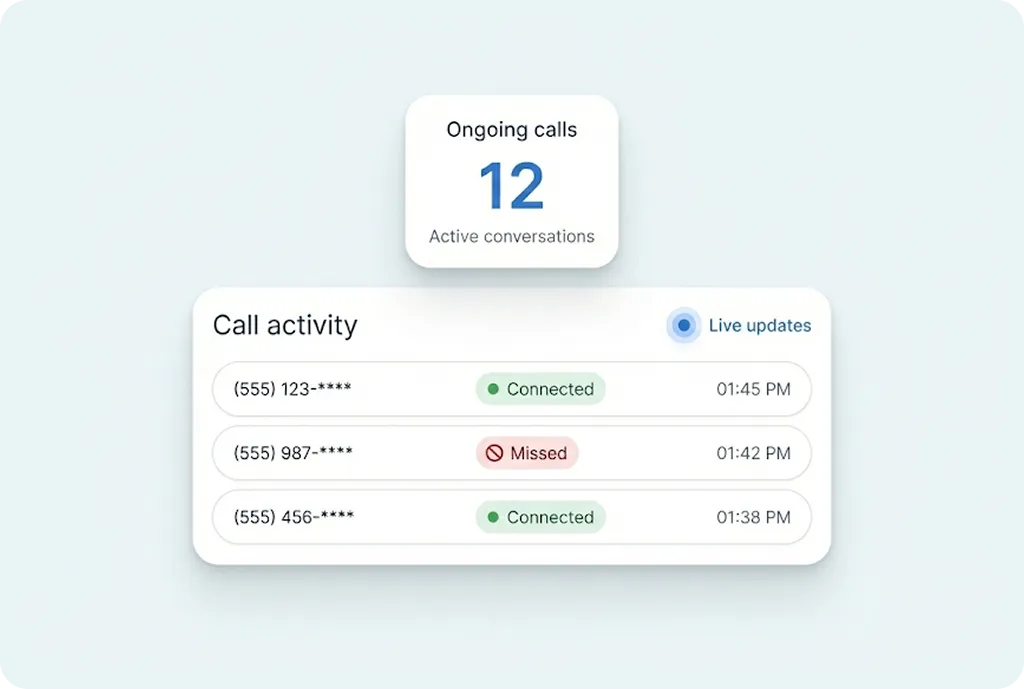
Yes. The integration supports multiple agents and teams. You can assign leads or calls to specific agents, manage simultaneous calls, and monitor real-time status (available, busy, offline). This multi-agent setup ensures even high-volume sales environments run smoothly without missed or overlapping calls.
Can I track team performance and lead progress inside Bigin CRM?
Yes. MyOperator syncs detailed call analytics with your Bigin CRM reports. Managers can see which agents are handling the most calls, how quickly they follow up, and how many calls convert into qualified leads. The integration also provides summary reports with metrics like missed calls, call durations, and response rates for complete visibility.
How secure is my customer data with this integration?
Data security is a top priority. All call recordings and logs are stored securely on encrypted servers. Access controls ensure that only authorized users can listen to recordings or view lead communication history. MyOperator is compliant with major data protection and privacy frameworks, ensuring your customer information is always safe.
Does it integrate with other Zoho tools like Zoho CRM or Desk?
Yes. Since Bigin is built within the Zoho ecosystem, MyOperator’s integration works seamlessly alongside other Zoho tools. That means if you’re already using Zoho CRM, Desk, or Recruit, your communication data can sync across platforms ensuring a unified experience.
Can I track missed calls or follow up automatically?
Yes. Missed calls can automatically trigger tasks or WhatsApp reminders in your Bigin CRM. You can also set MyOperator to assign those leads to specific agents for instant follow-up. This automation ensures that no lead ever goes unanswered, even outside business hours.
Do I need a MyOperator plan to use this integration?
Yes. The integration is available with MyOperator’s call automation and WhatsApp communication plans. You can begin with a free trial to explore basic automation and tracking features before scaling to advanced plans that include multi-agent routing and analytics.
Can I use this integration for both sales and support calls?
Yes. While it’s designed for sales pipelines, the integration works equally well for customer support teams using Bigin for ticket tracking or client management. You can log support calls, tag issues, and maintain complete histories within the CRM giving your team unified visibility across all customer touchpoints.
How long does setup and onboarding typically take?
Setup is quick, most businesses are live within a day. Once you authorize Bigin and MyOperator, map your fields, and test your first call flow, the integration runs instantly. MyOperator’s team also provides onboarding assistance to ensure all automations and routing rules are configured correctly from day one.

Communicate Better. Sell Smarter. Grow Faster.